TuneCable BeatOne

The All-in-One Music, Radio & Podcast Downloader

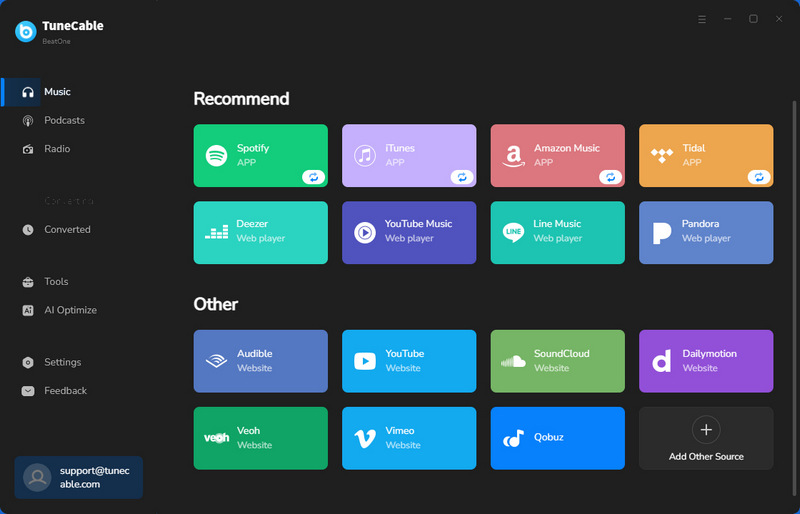
  • Extract music from Spotify, Apple Music, Tidal Music, YouTube Music, Amazon Music, YouTube, SoundCloud, Qobuz, Deezer Music, Pandora, etc.
  • Download songs, albums, playlists, podcasts, radio, and audiobooks in bulk.
  • 10x fast speed to convert music to MP3, AAC, WAV, FLAC, AIFF, and ALAC formats.
  • Enjoy 67,000+ radio shows online & offline for free.new
  • Freely stream and download 126,000+ podcasts.new
  • Export lossless audio files with ID3 tags & lyric files retained.
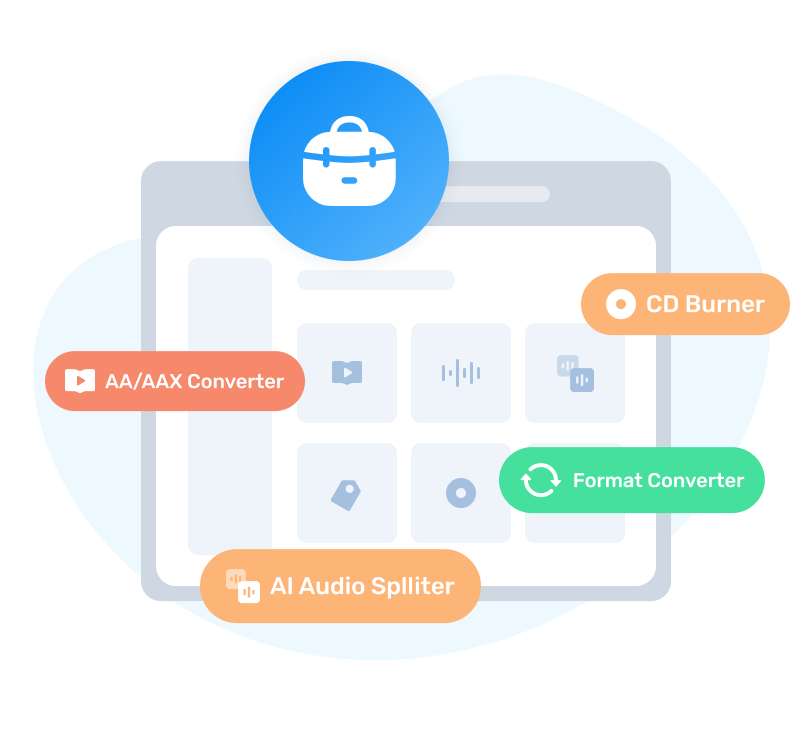
  • Bonus Built-in Tools: Format Converter, AI Audio Splitter, Export to iTunes, AA/AAX Converter, Burn CD, Tag Editor.

multiple streaming music services
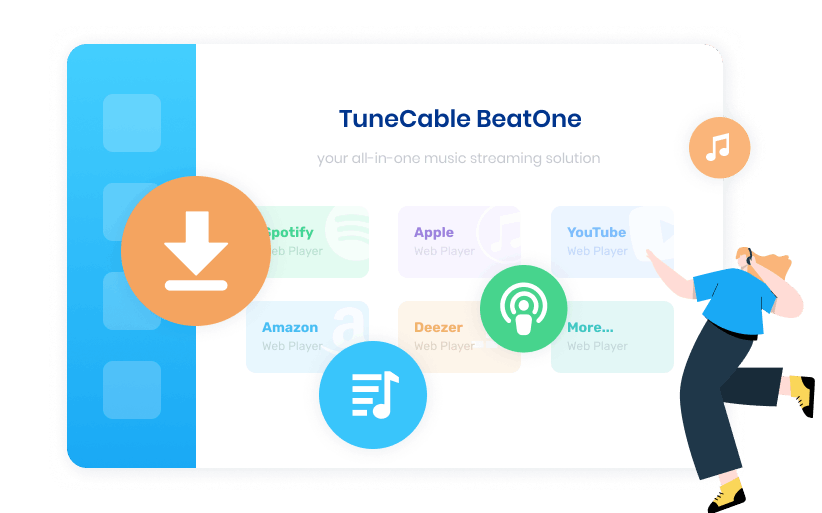
All-in-One Music Converter

Supports 10+ major music platforms and enables flexible music source customization via URLs.

convert music at fast speed
Batch Download at 10X Faster Speed

Download music tracks, albums, and playlists in bulk at up to 10x faster conversion speed.

download music in original quality
Pristine Audio Quality Preservation

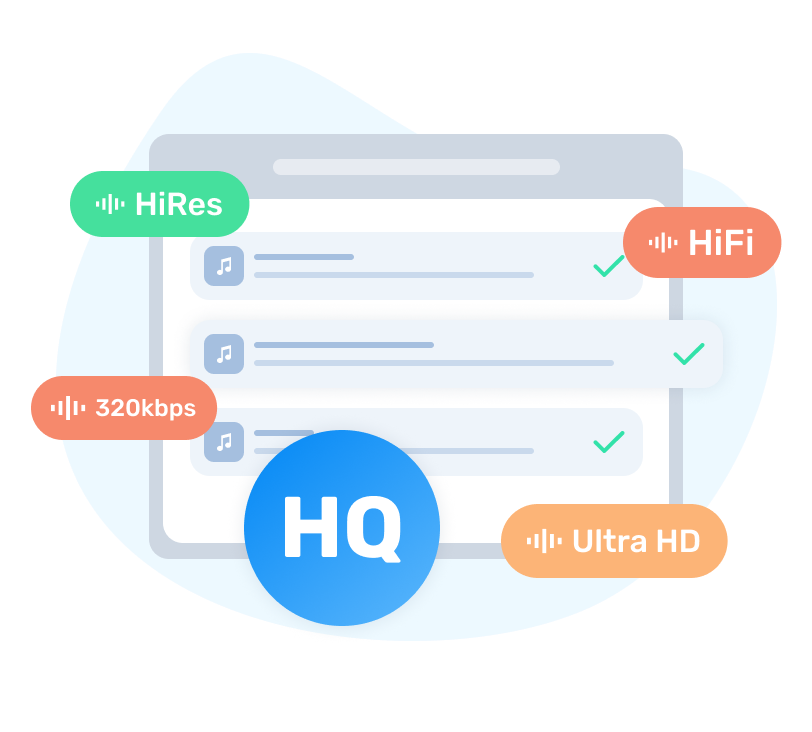
Save pristine quality such as Apple Lossless, Tidal HiRes, Amazon Ultra HD & Spotify Lossless.

unlimted uses
Offline Playback on Any Device

Save music locally, and enjoy offline playback on any device even after the subscription ends.

download music from various streaming music platforms

Support Popular Streaming Music Services

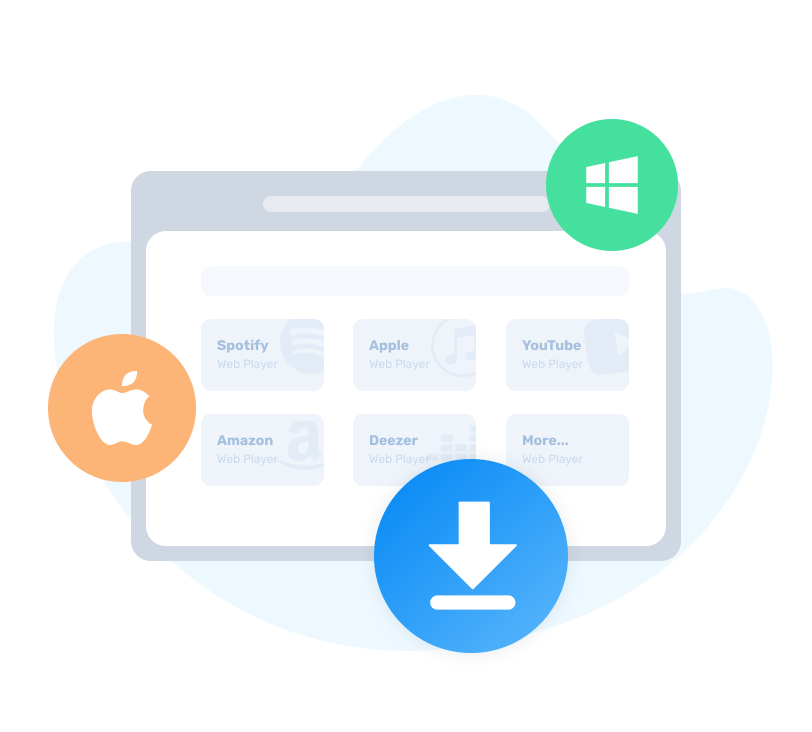
TuneCable BeatOne enables users to download music from multiple platforms, and to save their favorite tracks, including songs, albums, playlists, podcasts, radio, audiobooks, and other audio content, to the local PC. It features seamless transitions between various services without the hassle of installing multiple downloaders.

music Supports major platforms such as Spotify, Apple Music, YouTube Music, Tidal, Amazon Music, LINE MUSIC, Deezer, Pandora, Audible, Dailymotion, Vimeo, YouTube, SoundCloud, and Qobuz.
edit Add custom websites as additional music sources.
download podcasts for free

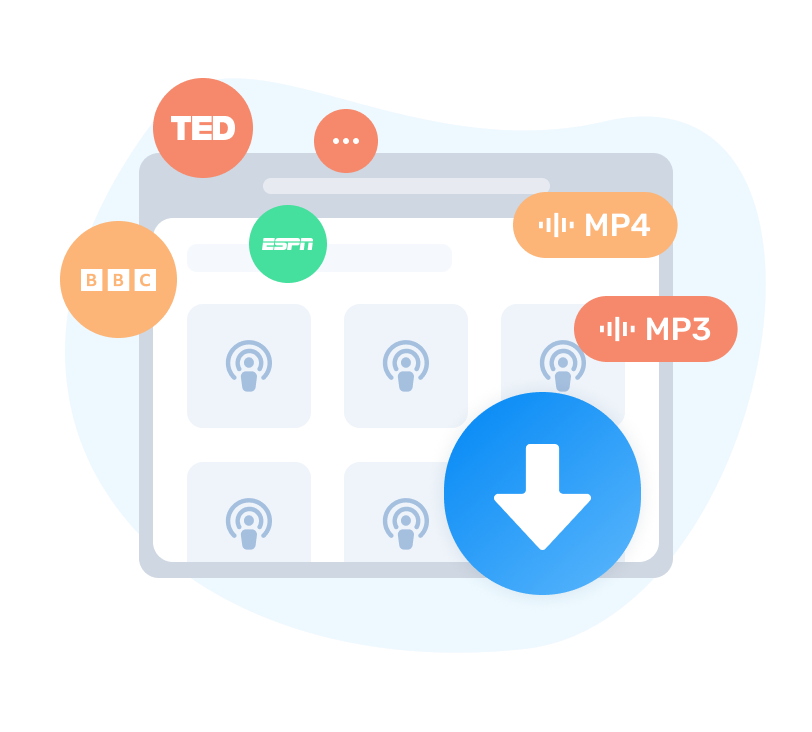
Download and Enjoy 126,000+ Podcasts Offline

TuneCable BeatOne features a built-in library of over 126,000 popular podcasts sourced from over 10,000 prominent podcast websites like BBC, TED, Podbean, NPR, ESPN, The Verge, Wondery, Podbay. Whether you want to extract a single episode or batch-download an entire season, you can convert them to MP3 with just one click for permanent local playback.

check Discover podcasts through curated categories such as Art, Comedy & Fiction.
check Save favorites podcasts to "My Favorites" list for personalized listening.
check Batch download entire podcast seasons to MP3s with one click.
download radio for free

Real-time Record 67,000+ Radio Programs Freely

Break through geographical restrictions! TuneCable BeatOne features a massive radio hub with 67,000+ radio shows, covering popular programs worldwide and well-known stations such as BBC Radio, NPR, Classic FM, Radio Nova, CBC Radio, and Times Radio. Listen and record simultaneously, and save content in multiple formats including MP3, AAC/M4A, FLAC, WAV, AIFF, and ALAC.

convert music to multiple formats

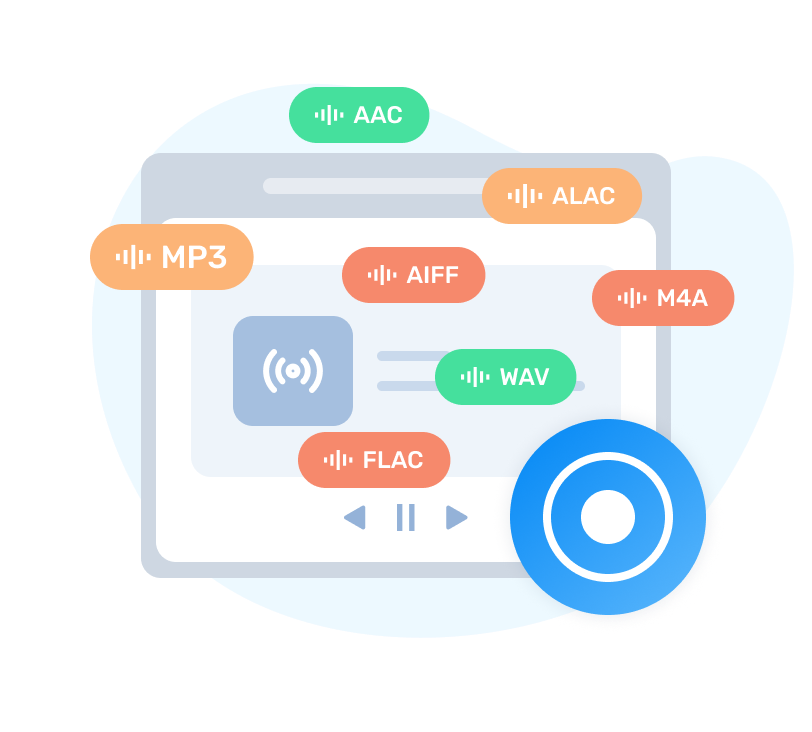
Abundant Output Formats & Zero Device Limitations

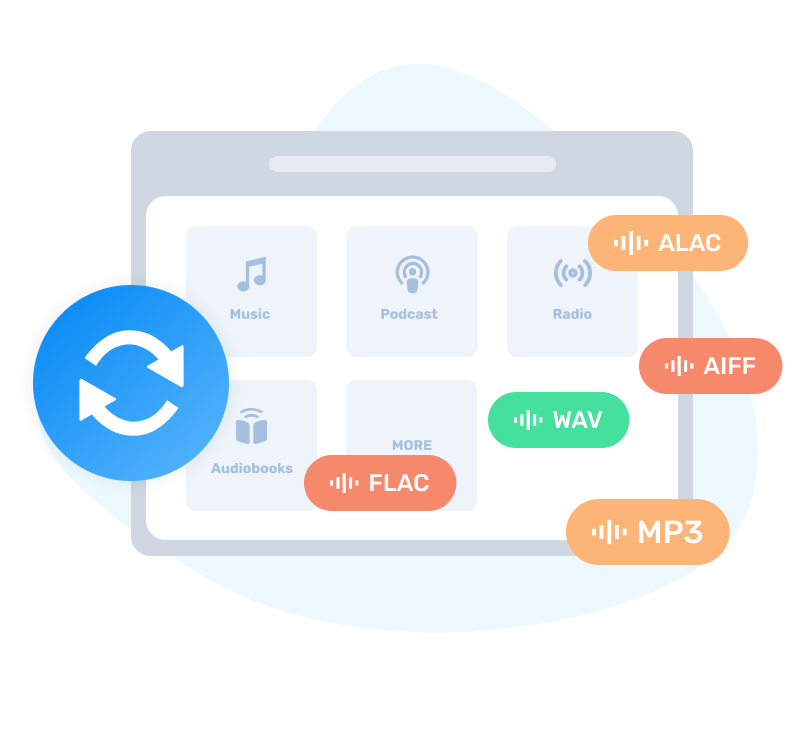
TuneCable BeatOne seamlessly converts music, podcasts, radio, and audiobooks into universal formats, including MP3, AAC, WAV, FLAC, ALAC, and AIFF, to break all device barriers.

check Flexible Output Formats: Freely customize output formats, including lossless formats (FLAC, WAV, ALAC, AIFF) for studio-grade fidelity, and lossy formats (MP3, AAC) for maximum device storage efficiency.
check Advanced Audio Parameters: Adjust bit rate (up to 320kbps), bit depth (16-bit/24-bit), and sample rate (44.1-192kHz) as needed.
check Built-in Format Converter: Swiftly convert local files into MP3, M4A, FLAC, WAV, AIFF, or OGG.
download music with original quality retained

Pristine Audio Quality Preservation

This advanced music downloader is designed to preserve the pristine quality of original tracks. It flawlessly retains the top-notch audio quality offered by music services—such as Spotify Lossless FLAC, Apple Music Lossless ALAC, TIDAL HiRes, and Amazon Music HD/Ultra HD—guaranteeing an undiminished, crystal-clear listening experience offline.

download songs in bulk

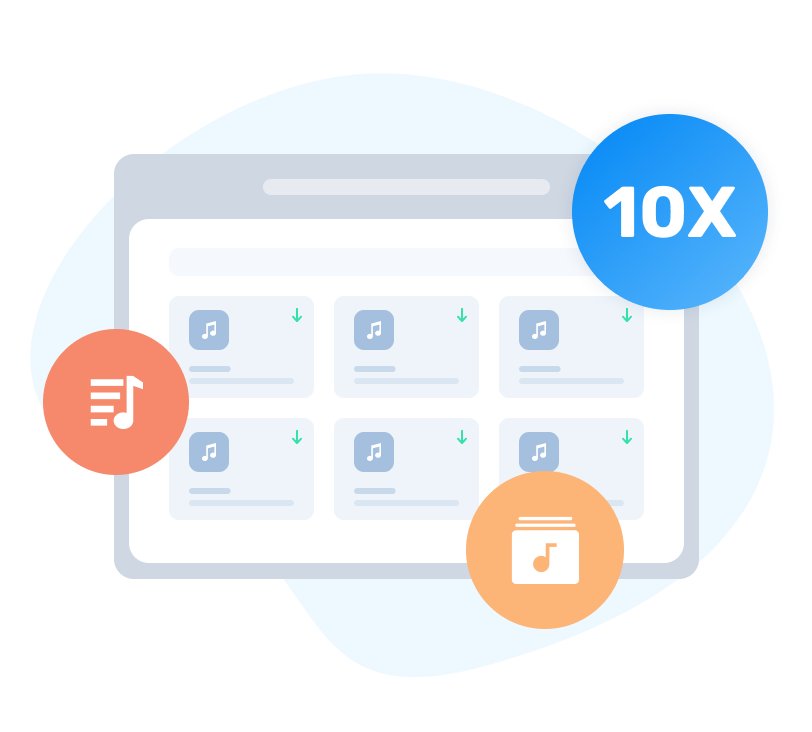
Batch Download at 10X Fast Speed

TuneCable delivers lightning-fast performance with up to 10x faster conversion speed. With just one click, users can batch-download entire playlists, complete albums, or multiple artists' tracks in bulk, eliminating tedious waiting and saving valuable time.

check Batch download multiple content: songs, playlists, albums, podcasts, audiobooks, and more.
check Adjust download speed based on your needs: 1X, 5X or 10X.
Note: Speed adjustment is only supported when downloading from the Spotify app on Windows version.
keep full song information

Smart Metadata & Lyrics Extraction

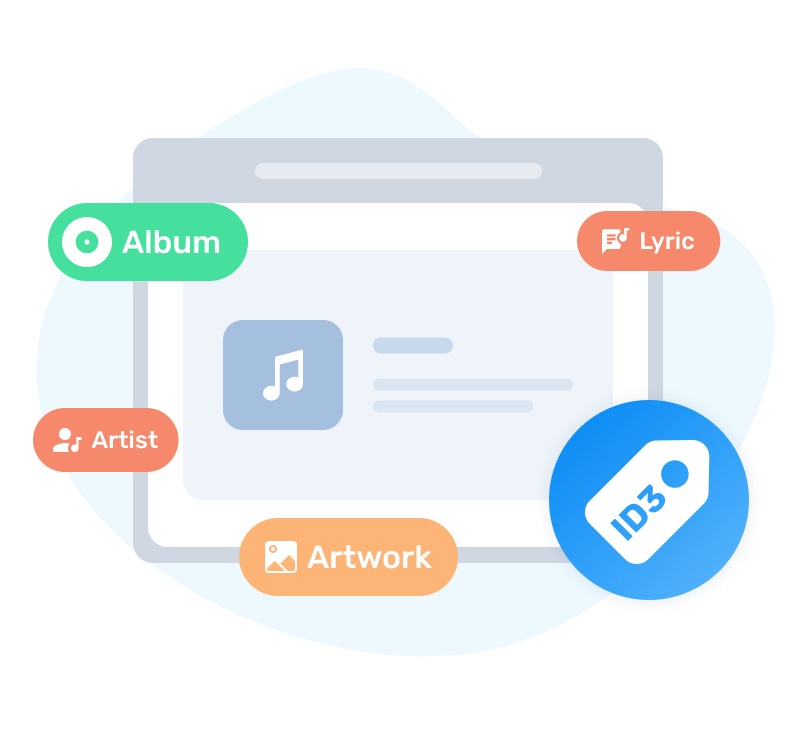
TuneCable keeps your music library meticulously organized with an automated metadata harvesting engine that preserves essential ID3 tags, including title, artist, album, year, and track number. It also embeds high-resolution cover art for a visually rich interface, and supports extracting and syncing song lyrics into local .TXT or .LRC files for easy viewing.
check Built-in Tag Editor: Intelligently recognize and manually customize ID3 tags.
check Define output file names: Track Number, Title, Artist, Album, Playlist Index, Year, and Disc Number.
check Smart folder organization: Sort outputs by Playlist, Artist, Album, Year, etc.
handy tools

Free AI Audio Splitter & Advanced Audio Toolkit

Beyond standard downloading, TuneCable handles all audio post-processing needs. It features an advanced AI-powered Audio Splitter that effortlessly separates vocals and instrumentals completely. Additionally, it contains a versatile toolkit that houses a Format Converter, Tag Editor, AA/AAX Audiobook Converter, Audio Editor, as well as a CD Burner and iTunes exporter.

split AI Audio Splitter: Utilizes advanced AI to effortlessly separate any audio file into clean vocals and instrumental accompaniments.
audiobooks AA/AAX Converter: Convert AA/AAX audiobooks to M4A, M4B, or MP3 formats.
cd CD Burner & iTunes Export: Burn your favorite tracks onto physical CDs or sync them directly to iTunes with one click.
audio Audio Editor: Efficiently handles essential editing needs, including cutting, gain adjustment, normalization, silence insertion/deletion, fade effects, and speed alterations.
multiple uses

Cross-Platform Offline Playback & Multi-Scene Use

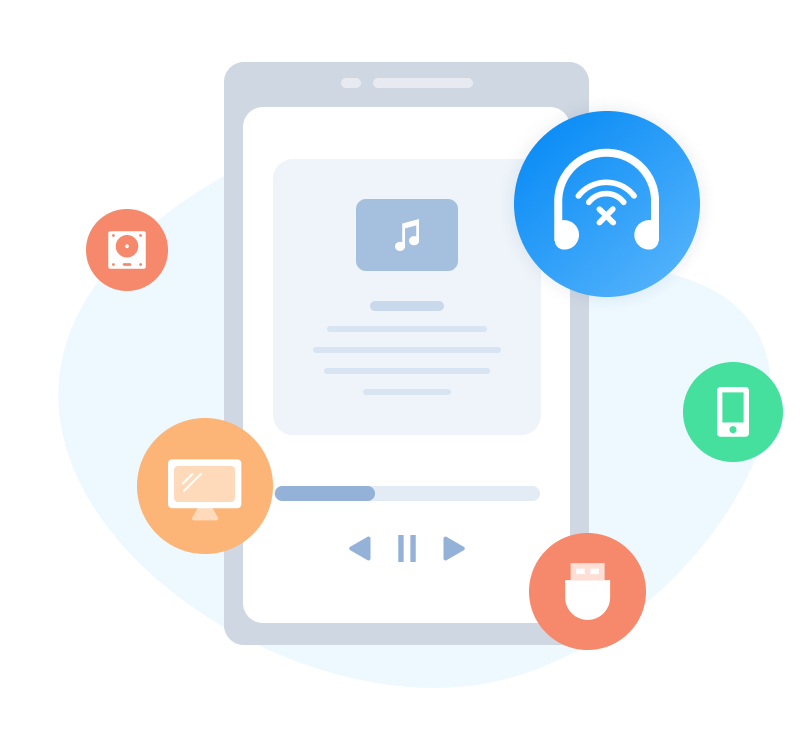
After downloading your favorite tracks, TuneCable enables seamless transfer to numerous devices and software platforms, giving you the freedom to enjoy your music anywhere, whether for personal playback, sharing, or a variety of use cases.

device Transfer music to Android phone or tablets, iPhone, iPad.
software Add music to DJ software, video editors, CD burners, or common media players.
game Import music to Smart TVs, gaming gadgets, CarPlay, and MP3 players.
sd card Store music to USB, SD card, and other external drives.
ringtone Make custom ringtones, alarms, or SNS background BGM.
share Enable unlimited music sharing with friends and family.
listen Facilitate offline listening relish across multiple devices simultaneously.

More Awesome Features

A comprehensive and professional music downloader that offers you the best experience.

batch download
Batch Extraction in One-Click

One-click parsing of songs, albums, playlists, and other audio files, allowing users to convert multiple albums and playlists in one go.

remove ads
Ad-Free Conversion & Clean UI

Even free subscribers of Spotify, Tidal, or Pandora can download songs completely free of ads. No bundled malware & no in-app ads.

cover art
Download or Customize Cover Art

Download high-quality album artwork, upload a new image to replace the current one, or even delete it freely.

backup spotify libray
Account Backup & Transfer

Back up your Spotify library, including playlists, albums, and favorite artists. Migrate everything to a new account in one click.

customize settings
Individualized Preferences

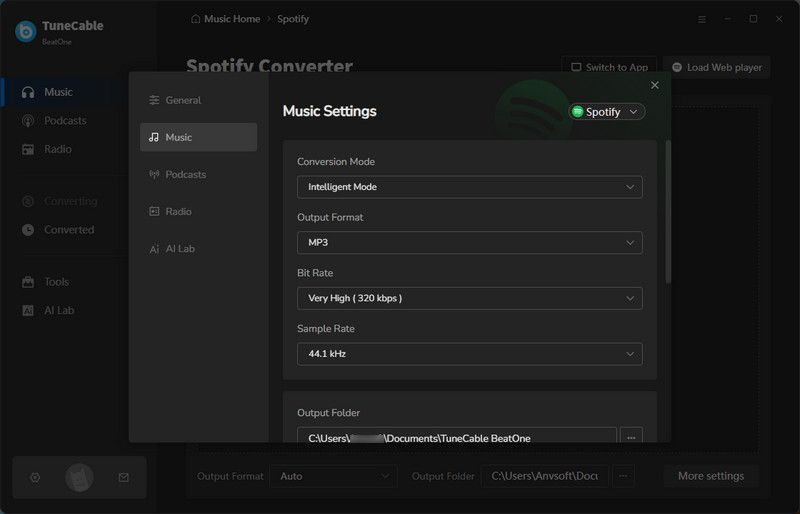
Customize the output format, bit rate, sample rate, output folder path, output file name, output organized way, etc.

tech support
Professional 24/7 Support

Connect with a dedicated, professional support team anytime for prompt troubleshooting and guidance.

Program Screenshots

main interface

Step 1. Choose the Record Source

On the start-up page of this program, choose a music platform and click on it to activate it.

Check User Guide
change settings

Step 2. Customize the Output Settings

Go to the "Settings" section to select the options according to your need.

Check User Guide
add music

Step 3. Add Songs or Playlists

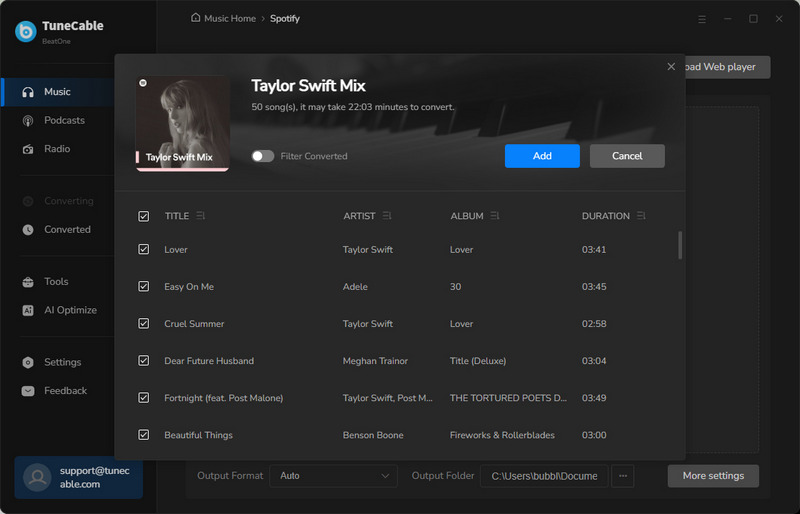
Navigate to any song, album, or playlist and tap on the "Click to Add" button to parse the songs. Tick off the items you want, and click "Add" to queue them for download.

Check User Guide
convert music

Step 4. Start Converting Songs

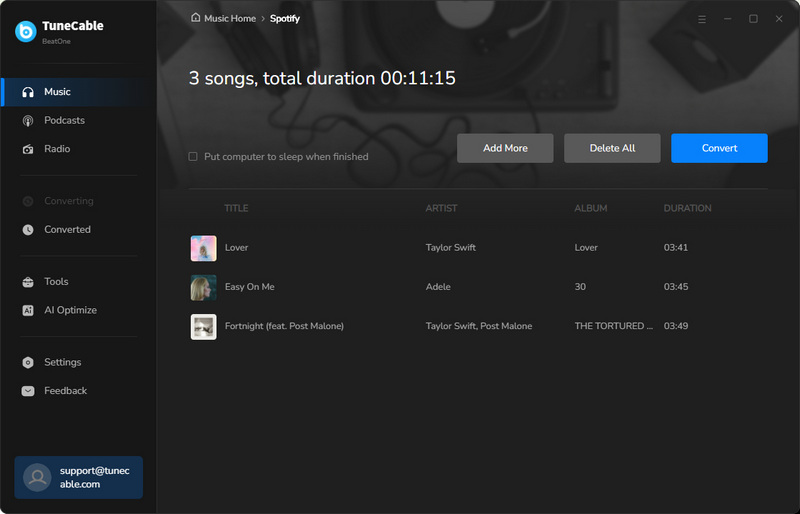
Check the download list to decide whether to download more songs via the "Add More" button. Once you quit adding more songs, hit the "Convert" button to start the conversion.

Check User Guide
download history

Step 5. Check the Converted Songs

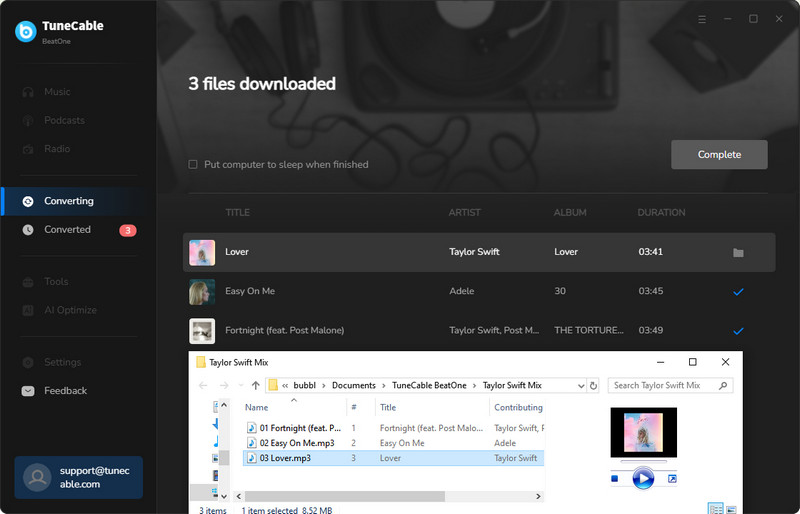
The output folder will pop up automatically. Moreover, you can go to the "History" column to check the download history.

Check User Guide

What Does Our Client Say?

  • client
    Laura

    Accountant

    The music converter allows me to efficiently unwind with my favorite tunes after long days crunching numbers.

  • client
    Daniel

    Chef

    I love drawing inspiration for new dishes from music, and with this converter, I can download many of my favorite songs to my MP3 player.

  • client
    Jennifer

    Artist

    Only this tool can quickly import any song I want into various music editors, which is indeed very practical.

  • client
    Lisa

    Traveler

    Its batch download feature has already helped me store a vast library of offline playlists, so I no longer worry about unreliable internet on the go.

  • client
    Emma

    Writer

    Its greatest help is its ability to perfectly extract lossless music, and the fact that it supports multiple platforms is just incredible!

Get TuneCable BeatOne Right Now!

Download music sourced from top streaming music apps without losing audio quality.