TuneCable iMusic Converter

An All-in-One Converter for Apple Music, Audible Audiobooks, and iTunes Tracks.

  • Download Apple Music songs, albums, playlists, or podcasts to computer.
  • Convert AA/AAX Audible audiobooks & iTunes M4P music.
  • Save iTunes/Apple Music in MP3, AAC, WAV, FLAC, AIFF, and ALAC formats.
  • Retain 100% lossless quality & full ID3 tags & track lyrics after conversion.
  • Download Apple Music playlists in bulk at 10x faster lightning speed.
  • Unlock permanent offline access to Apple Music across every device.
  • Tools: Format Converter, Burn CD, Tag Editor, AA/AAX Converter, Audio Editor, AI Audio Splitter.

fast download lossless apple music songs in lossless quality
Download Apple Music in Hi-Res Lossless Quality

Download Apple Music songs, playlists, and albums to local files.

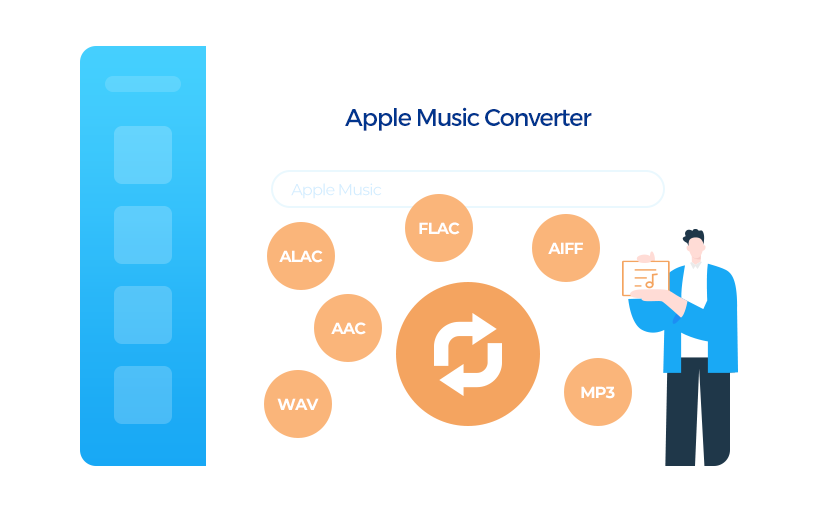
download apple music to multiple formats
Convert Apple Audio to MP3, ALAC, and More

Convert Apple audio to MP3, AAC, WAV, FLAC, AIFF and ALAC.

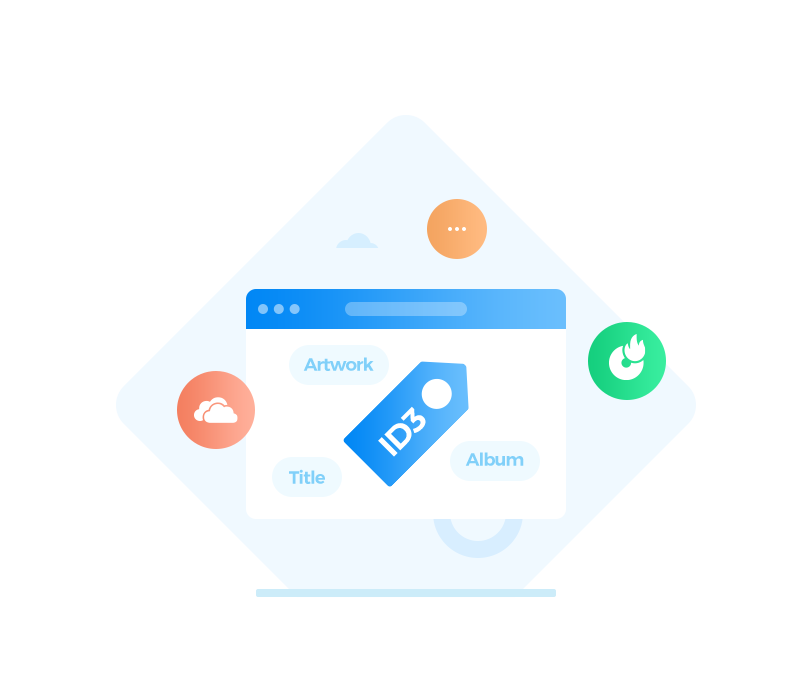
download apple music with id3 tags
Save Complete ID3 Tags and Album Cover

Download Apple Music with full metadata and album art.

free play apple music forever
Offline Playback on Any Device

Download tracks once and listen everywhere, no internet required.

download apple music to local pc

Download Lossless Apple Music for Offline Listening

TuneCable is a safe, efficient, all-in-one solution for downloading Apple Music. It supports saving songs, albums, and playlists from Apple Music/iTunes to the local device in lossless quality, enabling studio-grade sound offline playback, anytime, anywhere.

check Download songs, playlists, albums, and podcasts from Apple Music or iTunes M4P music to local computer.
check Convert audio from both iTunes/Music app and Apple Music web player to plain formats like MP3, AAC, ALAC, FLAC, WAV, or AIFF.
check Enjoy offline listening on any device without Wi-Fi or cellular data.
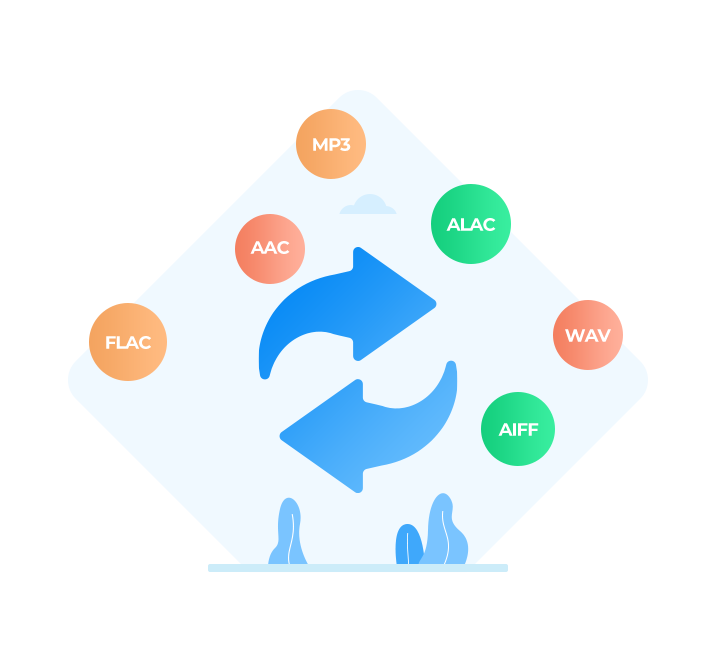
download apple music to common format

Convert Apple Music to Plain Formats

Break free from encrypted Apple audio. TuneCable is a professional all-in-one converter that converts Apple Music, iTunes M4P, and Audible audiobooks into universally compatible formats like MP3, AAC, ALAC, FLAC, WAV, and AIFF. It ensures full control and seamless playback across any player, device, or platform.

check Convert Apple songs to MP3, AAC, WAV, FLAC, AIFF, and ALAC formats.
check Convert Audible AA/AAX audiobooks and iTunes M4P music to common MP3 and other formats.
check Convert local audio files to MP3, FLAC, WAV, ALAC, AIFF, OGG & M4A formats.
check Handy Audio Editor: Edit downloaded tracks with ease – apply fade‑in/out, adjust playback speed, or trim unwanted sections.
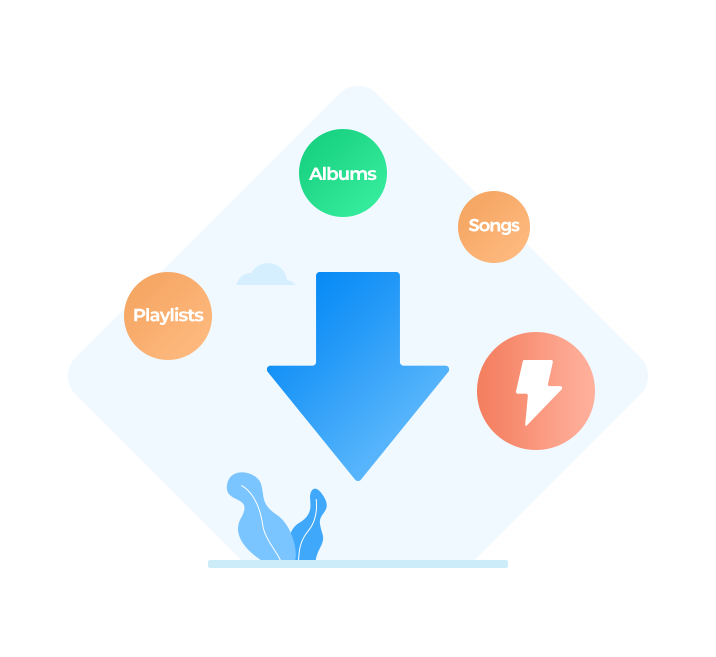
download apple music with lossless quality

Get Apple Music Playlists Losslessly at 10X Faster Speed

TuneCable employs advanced audio decoding technology, ensuring 100% original lossless audio quality (up to Hi-Res Lossless). It also enables one-click batch conversion of entire Apple Music albums or playlists at speeds up to 10X faster.

check Hi-Res Lossless preservation: Retain 24-bit/192 kHz audio for every sonic detail.
check Batch downloads at 10X speed: Convert Apple Music playlists in bulk.
Note: For Mac users, downloading tracks directly from the Music app is currently available at 1X speed.
check Intelligent file organization: Maintain original playlist order and sort exports by artist, album, playlist, etc.
check Flexible output settings: Adjust bit rate (128-320 kbps), bit depth (16/24 bit), and sample rate (44.1-192 kHz) freely.
save apple music with id3 tags

Retain and Edit ID3 Tags

TuneCable automatically retains ID3 tags, including artist, album, title, and more, while the built-in ID3 Tag Editor enables metadata editing. Custom output filenames are also supported, ensuring an external music library that stays perfectly structured.

check Auto-preserve metadata: Retain all key tags (title, artist, album, artwork, year, track number, and disc number).
check Built-in ID3 Tag Editor: Edit or update metadata, and download album art.
check Custom output filenames: Name the output files by track number, title, artist, album, playlist index, year, and disc number.
apple music playback on any device

Play Apple Music on Various Devices and Platforms

TuneCable iMusic Converter offers flexible output formats for downloaded Apple Music tracks, along with a built‑in Audio Editor, AI Audio Splitter, and CD burning capabilities for more advanced audio needs. The resulting files maintain broad compatibility with portable devices and programs, enabling seamless offline playback across all scenarios.

check Import converted tracks into Serato DJ and Rekordbox DJ for mixing.
check Add Apple Music songs to Final Cut Pro, CapCut or iMovie for video projects.
check Transfer songs to iPod, Apple Watch, and iPhone for offline listening.
check Play music on Android phones, tablets, and Android TV.
check Save files to SD cards and USB drives for portable storage.
check CD Burner: Burn converted songs directly to CD for in‑car listening or home stereo playback.
check Free AI Audio Splitter: Isolate vocals from instrumentals with AI module, perfect for remixing or creating karaoke tracks.

More Awesome Features

TuneCable iMusic Converter is a reliable, powerful, and professional all-in-one tool for converting Apple Music, iTunes M4P tracks, and Audible audiobooks.

service
All-in-One Audio Toolkit

Effortlessly edit ID3 tags, convert local audio formats, trim audio files, split vocals and instrumentals, or burn songs to CD in one place.

Lyric
Save Lyric Files

Save song lyrics from Apple Music as external .lrc files to enhance your singing and listening experience.

service
Smart Output Organization

Automatically organize your output music files by Artist, Album, Playlist, etc. Keep your local music library perfectly structured and clutter-free.

service
Global Accessibility

TuneCable bridges the world with 48+ languages, providing a seamless user experience that adapts precisely to your linguistic and cultural preferences.

safe software
100% Safe & Clean

Enjoy a pure music experience with a sleek UI and strong privacy protection. TuneCable is trustworthy with no bundled malware and no in-app ads.

tech support
Free Updates & 24/7 Support

Offer free updates, with no additional fees. A professional customer service team is also available 24/7 to promptly resolve any issues you encounter.

Program Screenshots

main interface

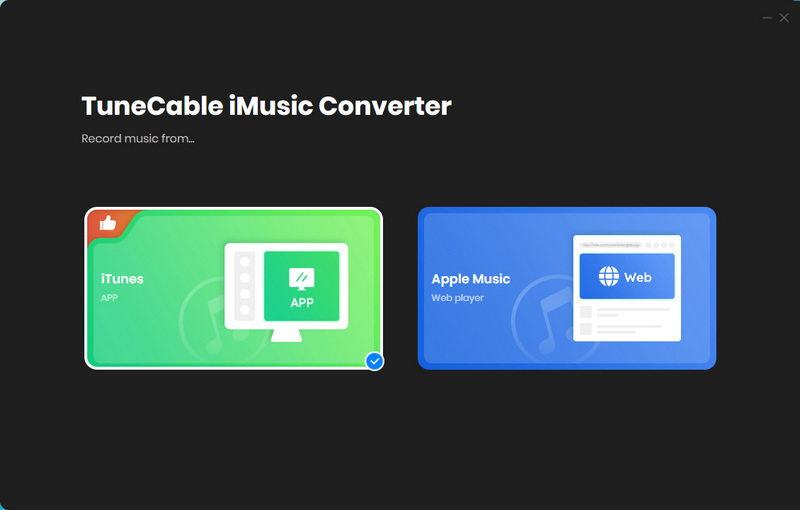
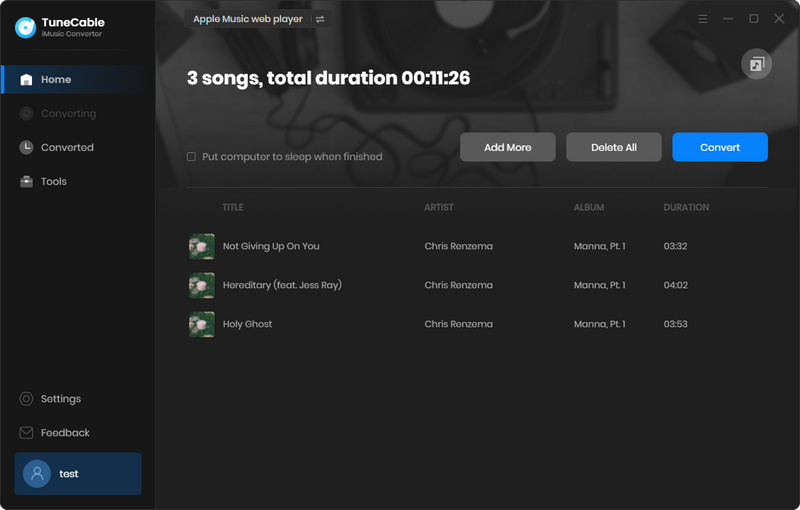
Step 1. Run TuneCable iMusic Converter

Launch TuneCable iMusic Converter on Windows or Mac. Then also choose working mode you like.

Check User Guide
settings

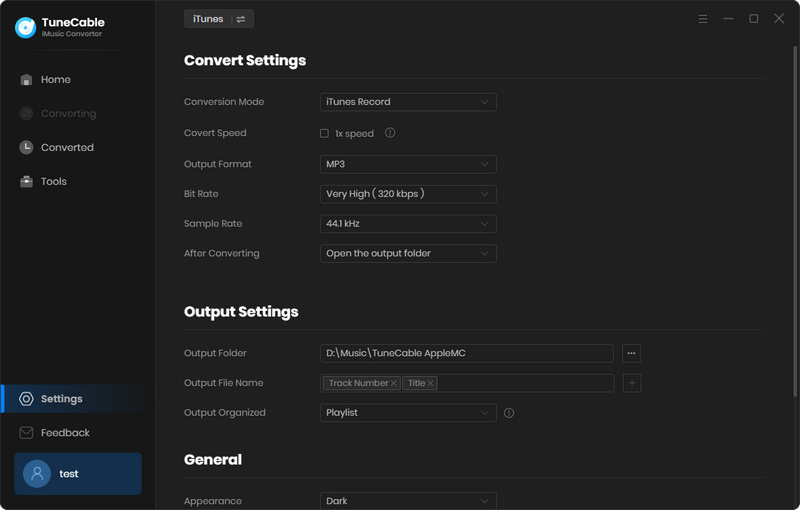
Step 2. Set Preferences

Click the "Settings" icon on the main interface, and then there will be a dialog box that allows you to set the output parameters.

Check User Guide
Add files

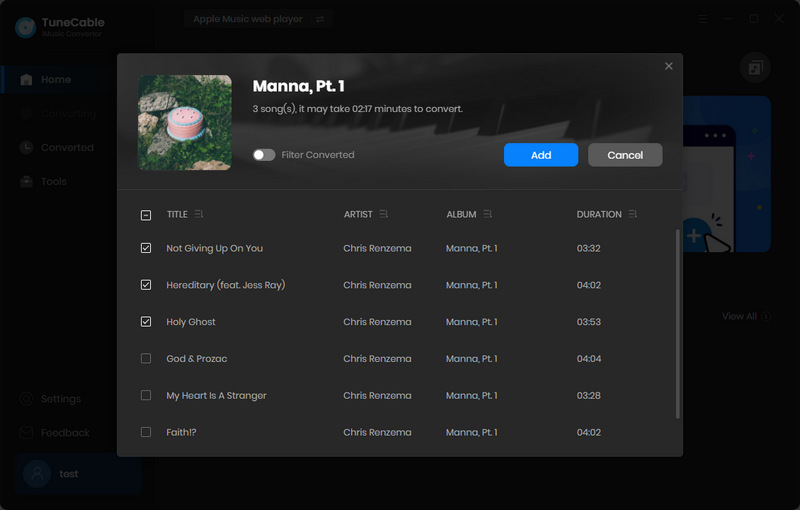
Step 3. Add Tracks or Playlist

Hit the "Click to add" button to load Apple songs. Then select songs you need, click "Add".

Check User Guide
converting

Step 4. Start Conversion

After adding all preferred tracks, just click the "Convert" button to start converting the selected songs.

Check User Guide

What Does Our Client Say?

  • client
    Zane

    DJ

    I'm a DJ, and I really need high-quality tracks for my work. TuneCable iMusic Converter lets me download Hi-Res lossless playlists from Apple Music to my local drive for offline remixing. What I love most is its ability to customize output filenames. This allows me to organize my extensive DJ library exactly the way I want. Big thanks!

  • client
    Lynn

    Student

    As a student, music is an essential part of my study routine. TuneCable helps me quickly download my favorite Apple Music playlists to my MP3 player for offline playback while studying at the library. This has been a lifesaver when the school Wi-Fi isn't working well. Highly recommended!

  • client
    Teresa

    Tour Guide

    I was able to use TuneCable to download songs and audiobooks from Apple Music for offline playback, which came in super handy when I was on airplane mode. The download process was simple and fast. My entire flight playlist was ready in roughly 10 minutes.

  • client
    Clare

    Editor

    I'm into vlogging and love using tracks from my Apple Music playlists as BGM. I randomly discovered TuneCable iMusic Converter, which lets me batch download Apple Music songs. I grabbed 30 songs from my collection as MP3s in one go—super convenient for my editing workflow. Love it!

  • client
    Kelly

    Manager

    Ending my Apple Music subscription this month, but didn't want to lose my playlists. This converter saved them all to local files. The output music files preserve complete ID3 tags, including title, artist, album, and cover art. Everything stays perfectly organized. Really glad I found it!

Get TuneCable iMusic Converter Now!

Get a free trial and get lossless Apple Music/iTunes music tracks forever!